Before you start #
Make sure your site has:
- WordPress 6.3 or newer
- PHP 8.0 or newer
- Pretty permalinks turned on (Settings → Permalinks, anything except “Plain”)
Install from WordPress.org #
- In your WordPress dashboard, go to Plugins → Add New Plugin.
- Search for TrueCommunity.
- Click Install Now, then Activate.
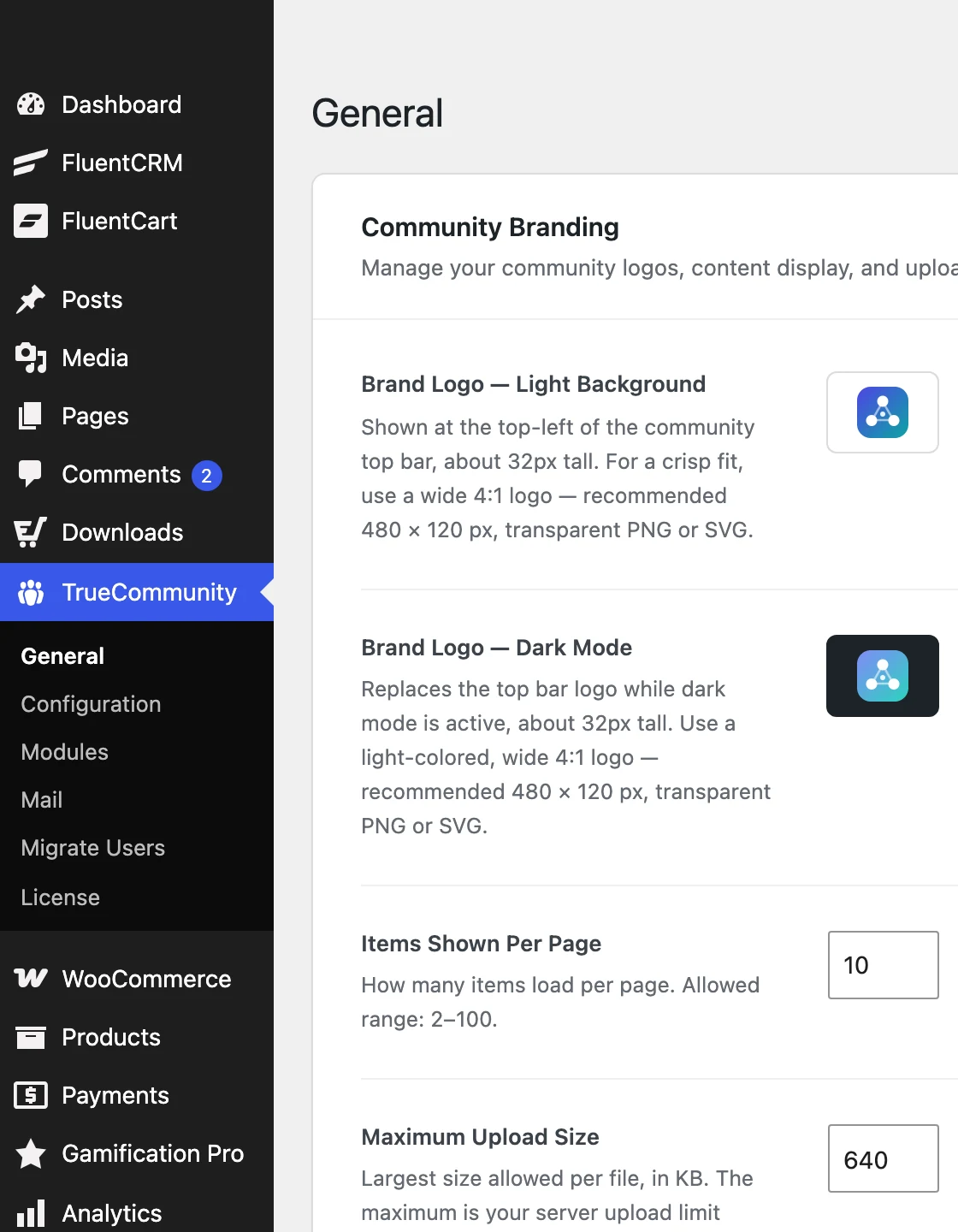
That is it. A new TrueCommunity menu now appears in your dashboard.
Install from a ZIP file #
- Go to Plugins → Add New Plugin → Upload Plugin.
- Choose the
truecommunity.zipfile and click Install Now. - Click Activate Plugin.
Open your community #
Your community lives at yoursite.com/community by default. Visit that address while logged in and you will see the activity feed.
Tip: Want a different address, like yoursite.com/club? You can change it any time. See Name your community and change its URL.
Good to know: On a multisite network, activate TrueCommunity on each site that needs a community. Network activation is not supported, because every site keeps its own community.


