Pro feature: This page needs TrueCommunity Pro.
Go to Gamification Pro → Activities.
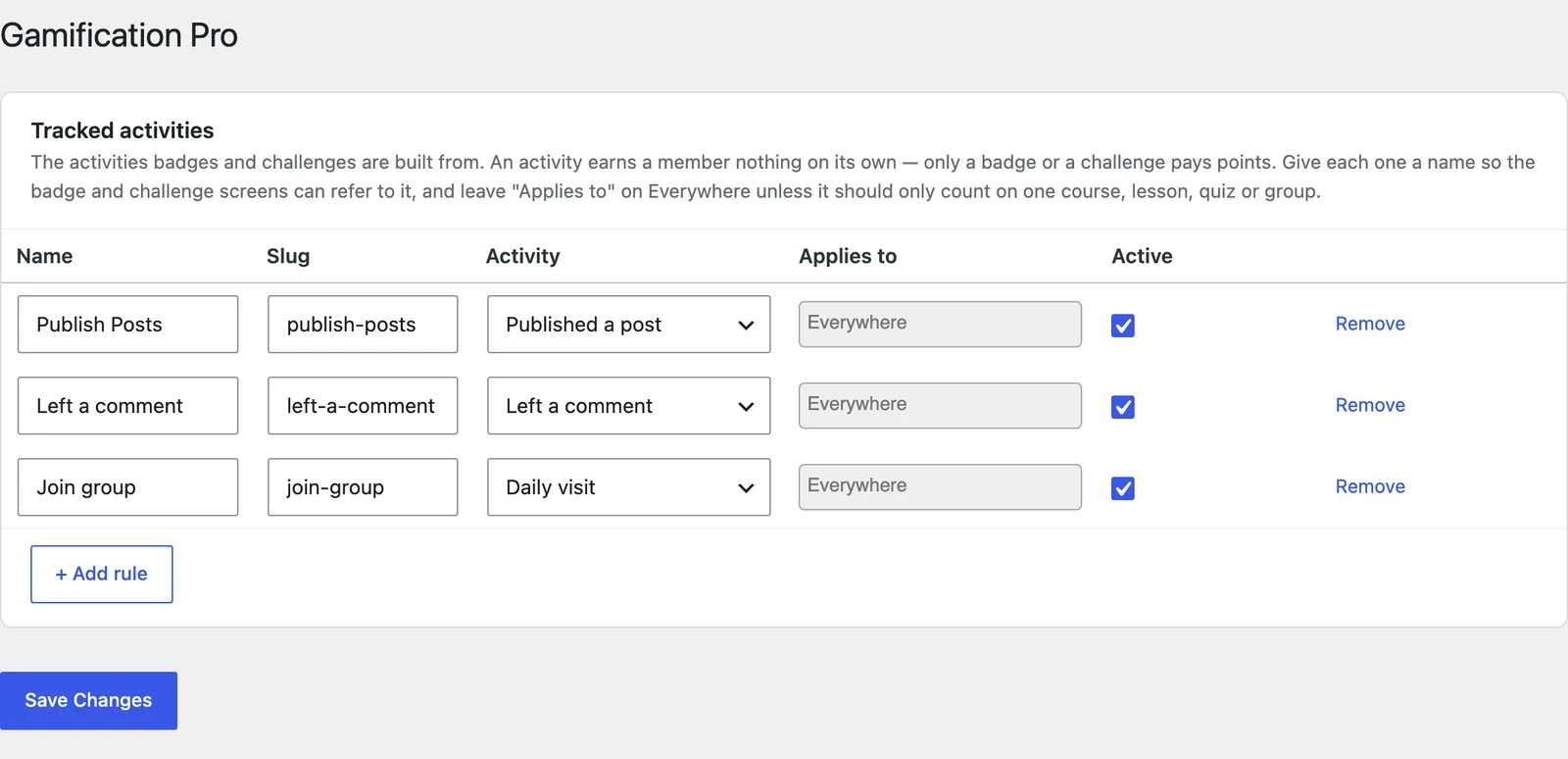
Each row is one activity you want to track. Badges and challenges are built from these rows.
| Column | What to enter |
|---|---|
| Name | A clear name, like “Finished a lesson”. Badges and challenges show this name. |
| Slug | A short ID. Filled in for you from the name. |
| Activity | What the member must do (see the list below). |
| Applies to | Leave on Everywhere, or pick a specific course, lesson, quiz or group to count only that one. |
| Active | Untick to pause the activity. |
Click + Add rule to add a row, then Save Changes.
Activities you can track #
| Group | Activities |
|---|---|
| Courses | Enrolled in a course · Completed a lesson · Completed a topic · Completed a quiz (any score) · Passed a quiz · Scored 100% on a quiz · Submitted an assignment · Had an assignment approved · Completed a course · Completed all lessons / topics / quizzes in a course |
| Community | Published a post · Left a comment · Liked or reacted to a post |
| Groups | Joined a group |
| System | Daily visit |
Tip: Make two rows for the same activity if you need both: one “Completed any lesson” on Everywhere, and one “Completed the onboarding lesson” pointed at one lesson.
Good to know: If you remove an activity that badges or challenges already use, you are warned first. Badges members already earned are kept.


