The notification bell #
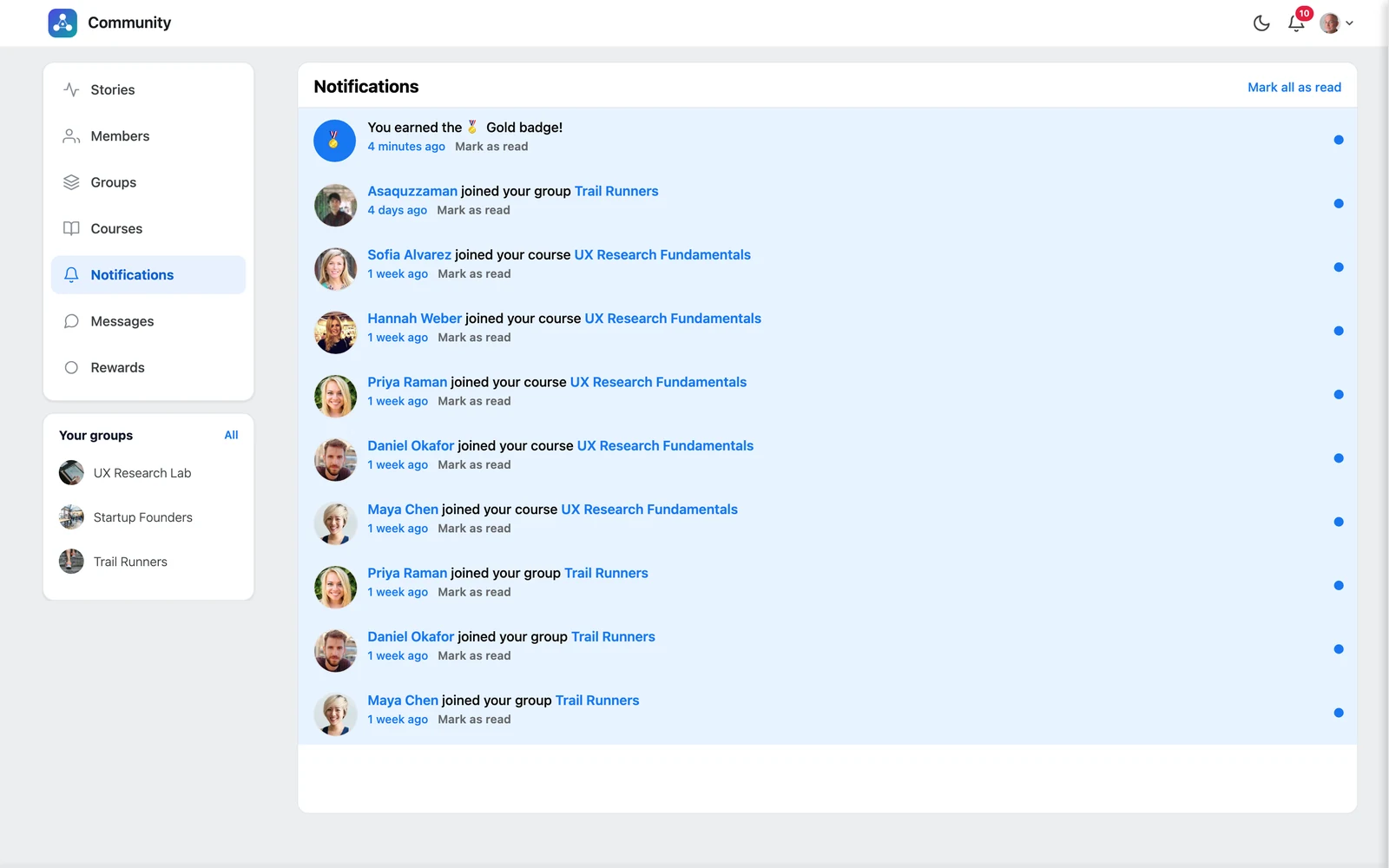
The 🔔 bell in the top bar shows a red number when you have something new. Click it to see your latest notifications, or click Notifications in the left menu to see them all.
What you are notified about #
- someone mentions you, comments on your post or replies to your comment
- someone likes or reacts to your post, or votes in your poll
- group and course invitations, join requests, accepted requests and role changes
- you are enrolled in a course
- PRO you earn a badge, reach a new rank or win a challenge
Read and unread #
- Click a notification to go straight to the post, group or course.
- Use Mark as read or Mark as unread on each one.
- Click Mark all as read to clear the counter.
Emails #
Some notifications are also sent by email. Your site admin chooses which ones in TrueCommunity → Mail. See Email settings.


