A group is a smaller space inside your community — for a topic, a course cohort, a city or a team. Each group has its own Discussion feed and its own Members list.
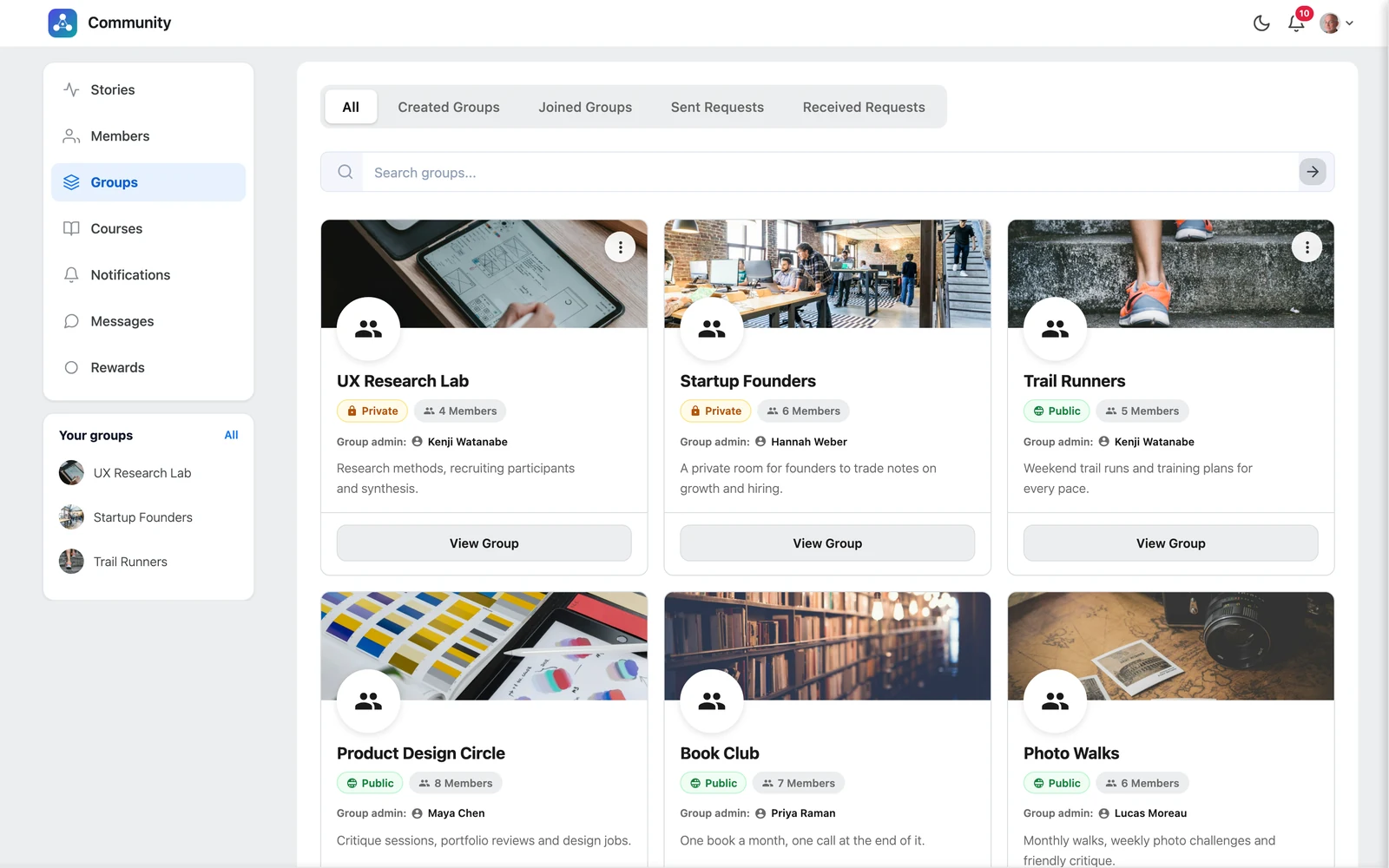
The three privacy types #
| Type | Who can see posts and members | How people join |
|---|---|---|
| 🌐 Public | Every community member | Click Join — they are in right away |
| 🔒 Private | Only group members | Click Request to Join — a group admin approves |
| 🔐 Locked | Only group members | By invitation only — there is no join button |
Tip: Use Public for open topics, Private for paid or member-only spaces, and Locked for hidden teams like staff or moderators.
The Groups page #
Click Groups in the left menu. The tabs at the top help you find groups:
| Tab | What you see |
|---|---|
| All | Every group you can see |
| Created Groups | Groups you created |
| Joined Groups | Groups you are a member of |
| Sent Requests | Private groups you asked to join, still waiting |
| Received Requests | Invitations other people sent you |
Use the search box to find a group by name.


