TrueCommunity Pro is an add-on. It needs the free TrueCommunity plugin to be installed and active first.
Step 1: Download Pro #
After you buy, open your purchase receipt or your Account page on our website. There you will find:
- the TrueCommunity Pro ZIP file
- your license key
Step 2: Install the plugin #
- In your dashboard, go to Plugins → Add New Plugin → Upload Plugin.
- Choose
truecommunity-pro.zipand click Install Now. - Click Activate Plugin.
Important: If you see the message “TrueCommunity Pro requires the TrueCommunity plugin to be installed and active”, install and activate the free plugin first, then activate Pro again.
Step 3: Activate your license #
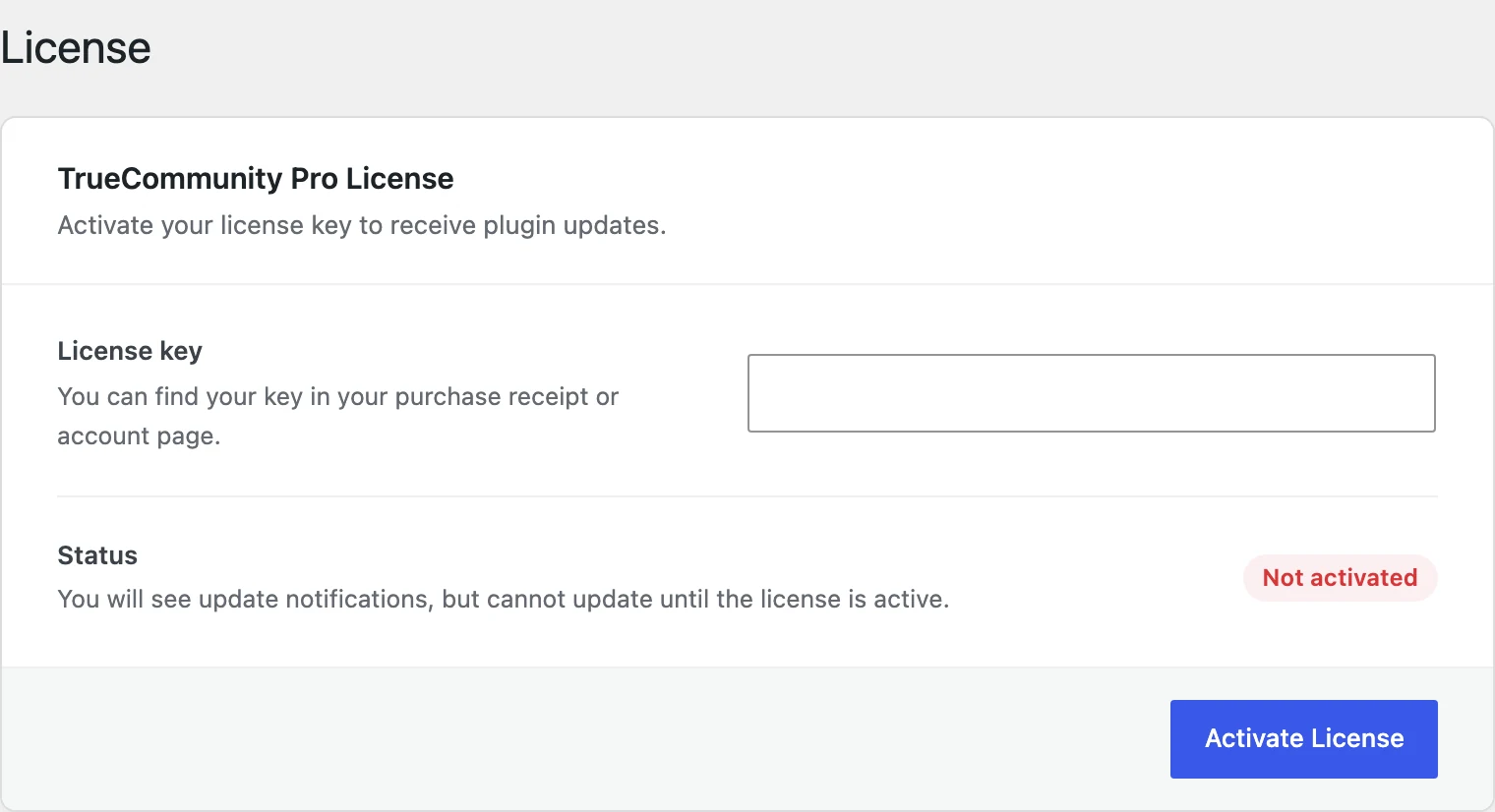
- Go to TrueCommunity → License.
- Paste your key into License key.
- Click Activate License.
When it works, the status changes to Active and you see “License activated. Plugin updates are now enabled.”
What the license does #
Your license gives you plugin updates and support. All Pro features work as soon as the plugin is active. Without an active license you still see update notices, but you cannot install the updates.
License messages and what to do #
| Message | What to do |
|---|---|
| Invalid license key | Check that you copied the full key, with no spaces at the start or end. |
| Your license key has expired | Renew your license from your account page to get updates again. |
| Your license key has reached its activation limit | Deactivate the license on a site you no longer use, or upgrade to a plan with more sites. |
| This license key does not belong to TrueCommunity Pro | The key is for a different product. Use the TrueCommunity Pro key from your receipt. |
| Your license key has been disabled | Please contact support. |
Tip: Moving to a new domain? Click Deactivate License on the old site first. This frees the activation so you can use it on the new site.


