Go to TrueCommunity → Modules. Each feature has its own switch.
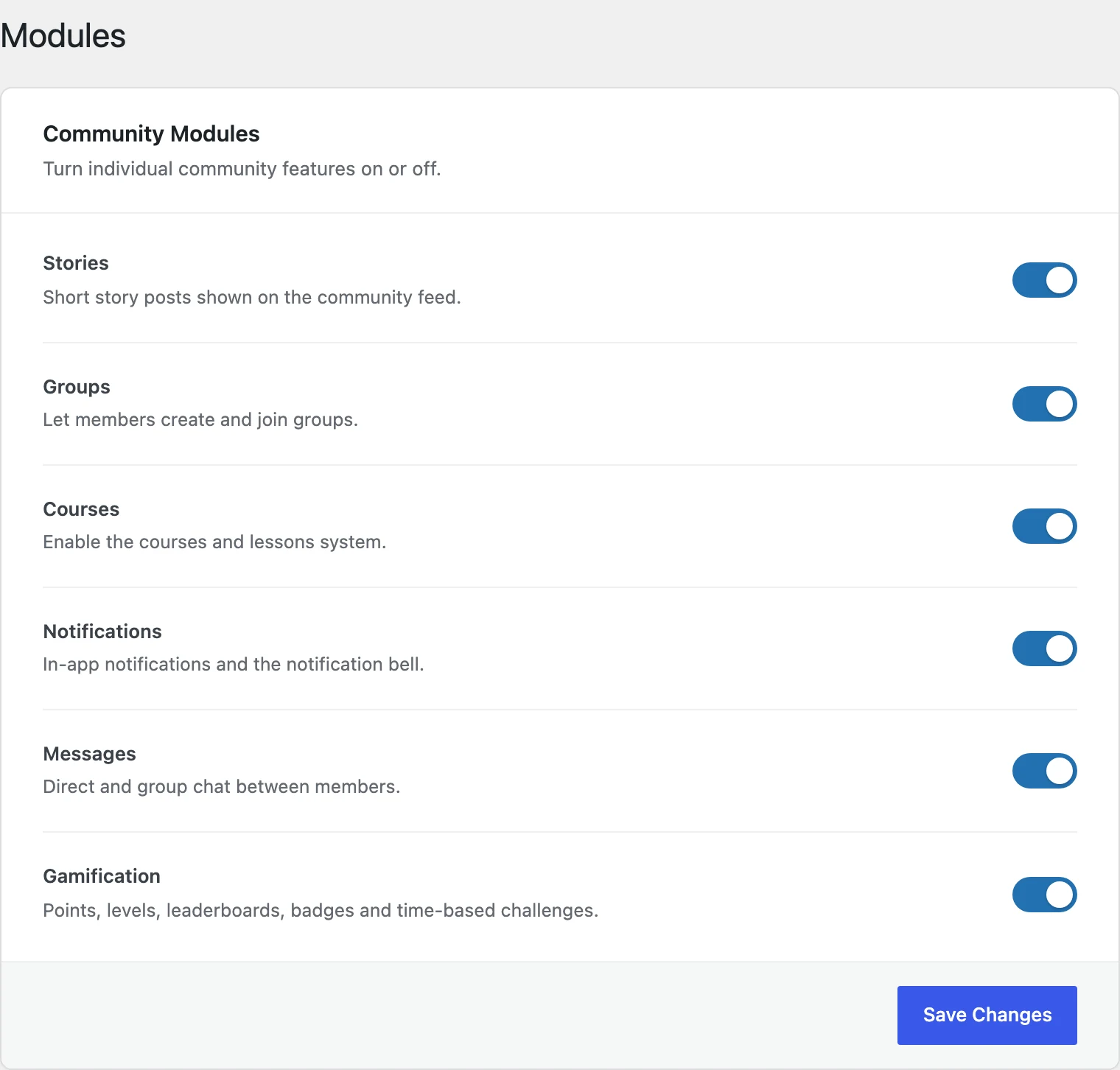
| Module | What it controls |
|---|---|
| Stories | The activity feed, posts, bookmarks and the member directory. |
| Groups | Creating, joining and browsing groups. |
| Courses | Courses, lessons and quizzes. |
| Notifications | The notification bell and the notifications page. |
| Messages | Private chats between members. |
| Gamification PRO | Points, ranks, badges, challenges and the Rewards page. Off by default — turn it on to use it. |
Turn a switch off and click Save Changes. The feature disappears from the menu for everyone right away.
Good to know: Turning a module off hides it — it does not delete anything. Turn it back on and all the posts, groups or courses are still there.
Good to know: The Members page is part of the Stories module. If you turn Stories off, the member directory is hidden too, but members still have their profile pages.
Tip: When every module is off, members land on their own profile page.


