Go to TrueCommunity → Configuration.
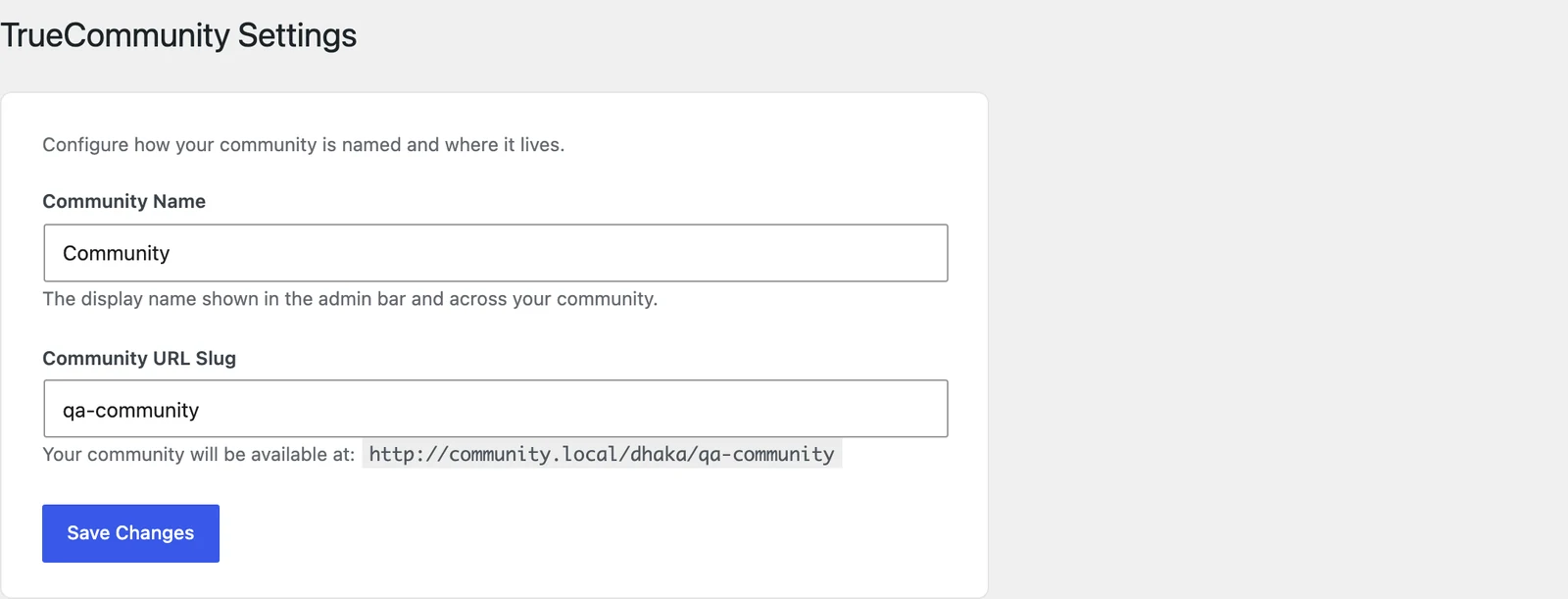
Community Name #
The name of your community. It shows in the top bar of the community and in your emails. Default: TrueCommunity.
Community URL Slug #
The last part of your community’s web address. Under the field you can see the full address it will use.
| Slug | Your community address |
|---|---|
community (default) | yoursite.com/community |
club | yoursite.com/club |
members | yoursite.com/members |
Use only lowercase letters, numbers and dashes. Click Save Changes when you are done.
Important: Changing the slug changes every community link — old links to posts, groups and courses will stop working. Choose the slug once, before you share links with members.
Tip: Make sure no normal WordPress page uses the same slug. If you have a page called “Community” at /community, pick a different community slug or rename that page.


