
Pro feature: This page needs TrueCommunity Pro with the Gamification module turned on.
Go to TrueCommunity → Gamification and open the Settings tab.
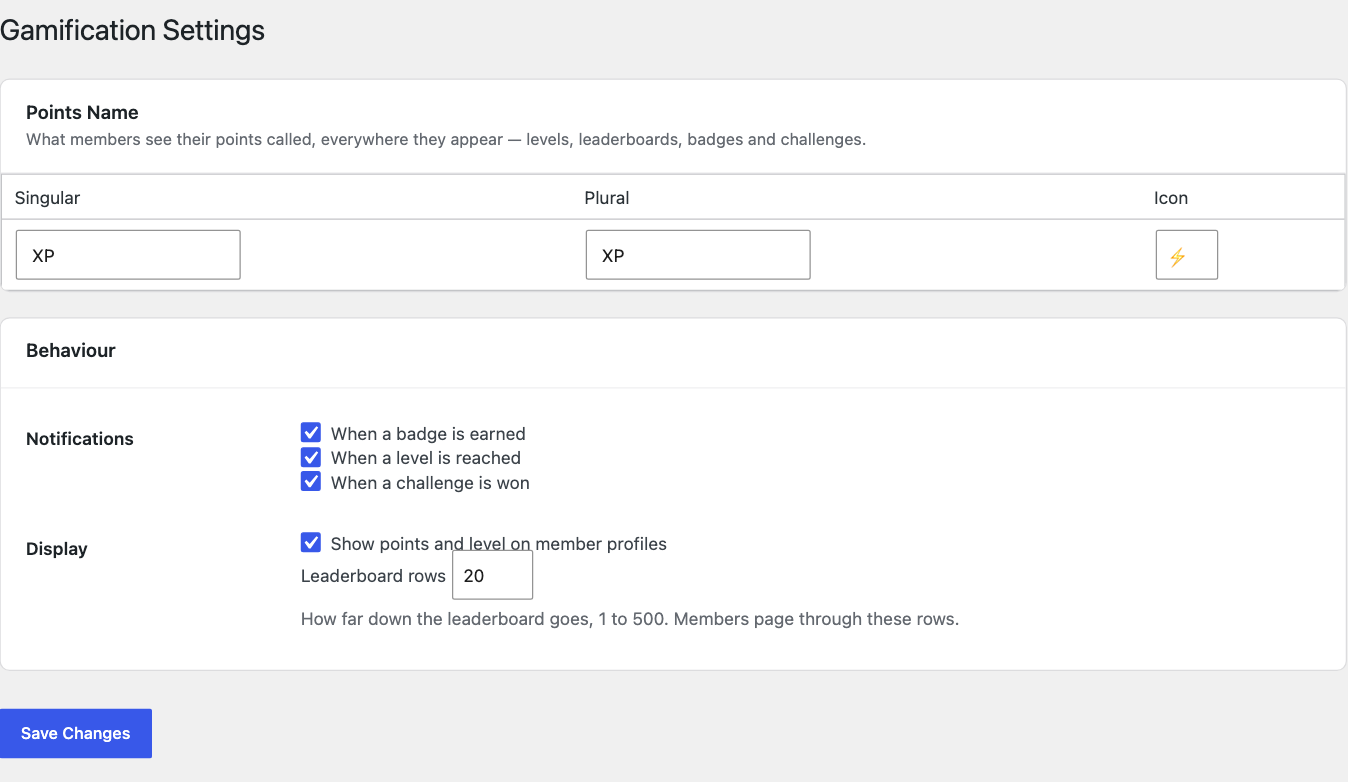
| Setting | What it does |
|---|---|
| Points Name | What members see their points called everywhere: ranks, leaderboards, badges and challenges. Set the Singular, the Plural and an Icon. The default is XP with ⚡. |
| Notifications | Notify members when a badge is earned, when a rank is reached and when a challenge is won. |
| Display | Show points and level on member profiles. |
| Leaderboard rows | How far down the leaderboard goes, from 1 to 500. Members page through these rows. |
Click Save Changes.


