Polls are a quick way to get opinions from your community.
Add a poll to a post #
- Open the post editor and write a title and description (this is your question and some context).
- Click the Add Poll button (the chart icon).
- Type your answers in Poll Options. Click + Add More for more answers, or the remove icon to delete one.
- Optional: open Poll Settings to tick Users can choose multiple options or to set an End Date & Time when voting closes.
- Click Post.
How voting works #
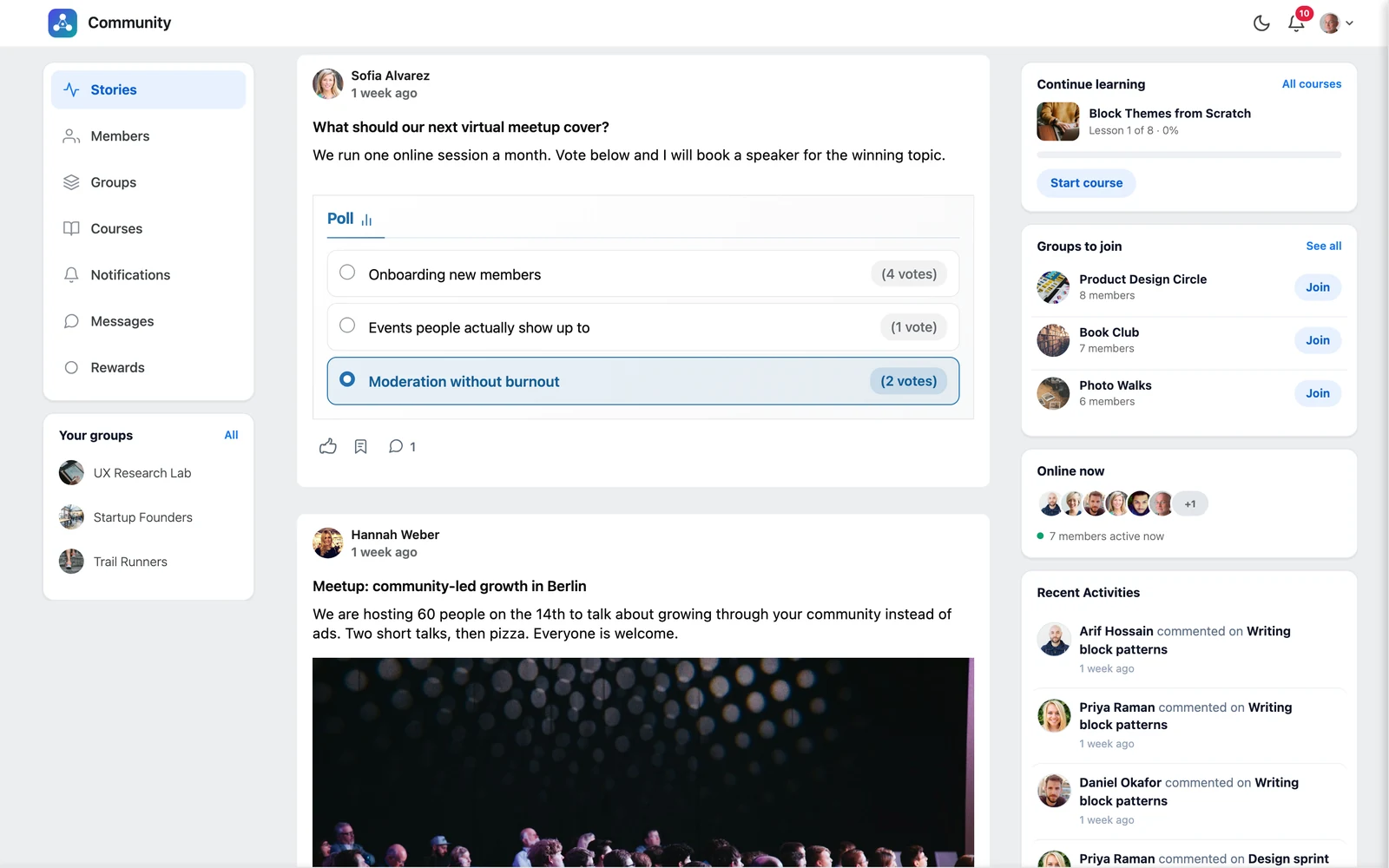
- Members click an answer to vote. The results update right away and show the number of votes for each answer.
- While the poll is open, members see how long is left (“2 days left”, “Ends today”).
- When the end time passes, the poll shows Poll ended and no more votes are counted.
Tip: Changed your mind while writing? Click Remove Poll to take the poll off the post.


