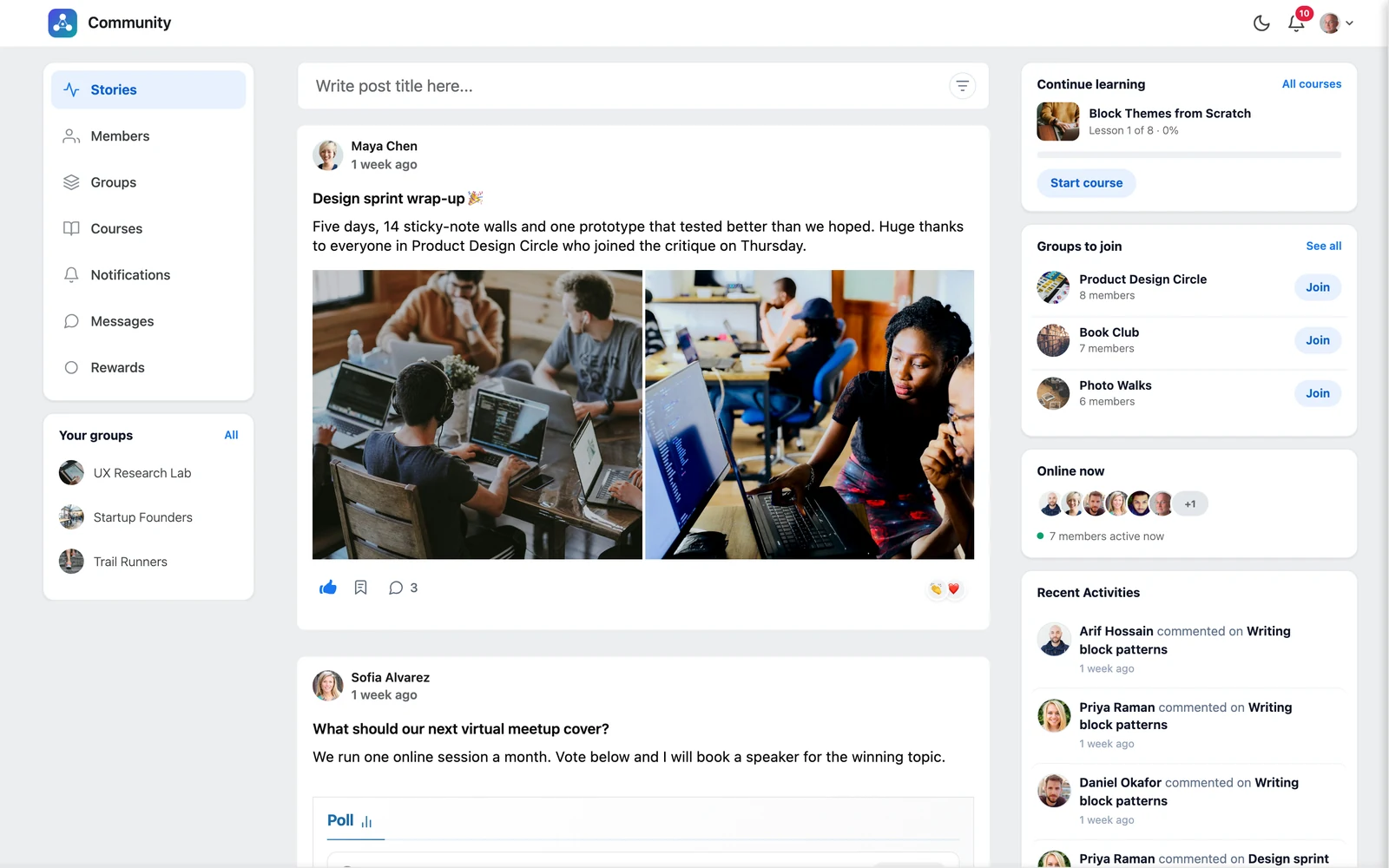
Every post has a row of buttons at the bottom.
Like #
Click the 👍 thumb to like a post. Click again to remove your like. Click the like count to see who liked the post.
React with an emoji #
Click the emoji button on the right of a post to add a reaction like 😂 or ❤️. Click a reaction count to see who reacted, sorted by reaction.
Comment #
- Click the 💬 comment button.
- Type your comment. You can attach a file and use
@to mention someone. - Press send.
You can reply to a comment to start a thread, and react to comments with emoji too. Use the ⋮ menu on your own comment to Edit or Delete it.
Good to know: If the author turned off Allow Comments, the comment box does not appear on that post.


