Edit or delete your post #
Click the ⋮ menu in the top-right corner of your post.
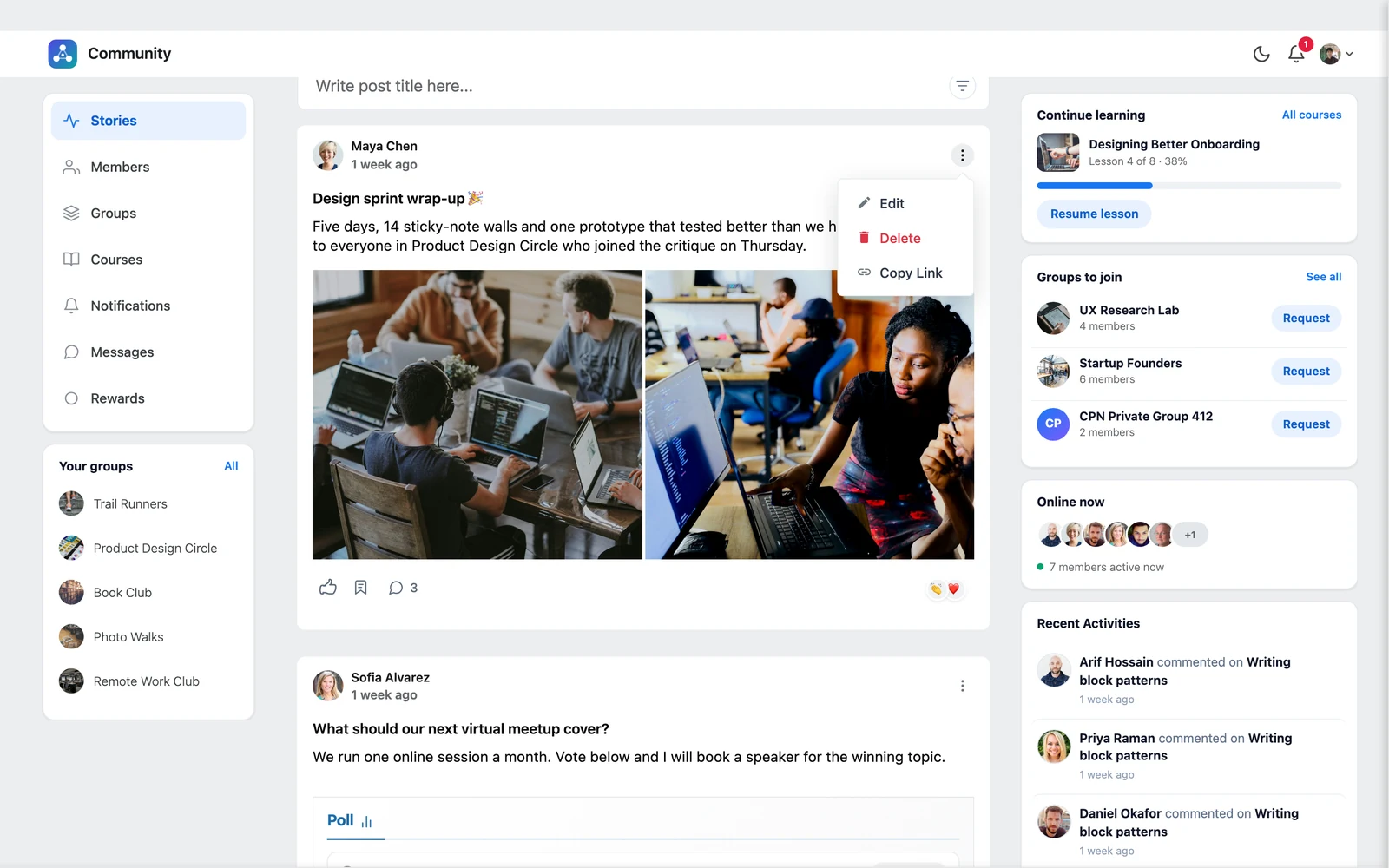
- Edit — opens the post editor with your post. Change anything and click Update.
- Delete — removes the post. You are asked to confirm, because this cannot be undone.
- Copy Link — copies a direct link to the post, so you can share it anywhere.
Good to know: You can edit and delete only your own posts. Site administrators can manage all posts.
Search the feed #
Click the filter icon on the right of the post box to open search. Type a word and press enter. Use Filter by to choose where to look:
- Title — post titles
- Content — the post text
- Comment — comments under posts
Click Clear search to go back to the full feed.
Open a single post #
Click a post’s title to open it on its own page, with all its comments. Use Back to Stories to return to the feed.


