Every member has a profile page. Open yours from your avatar → Profile in the top-right corner.
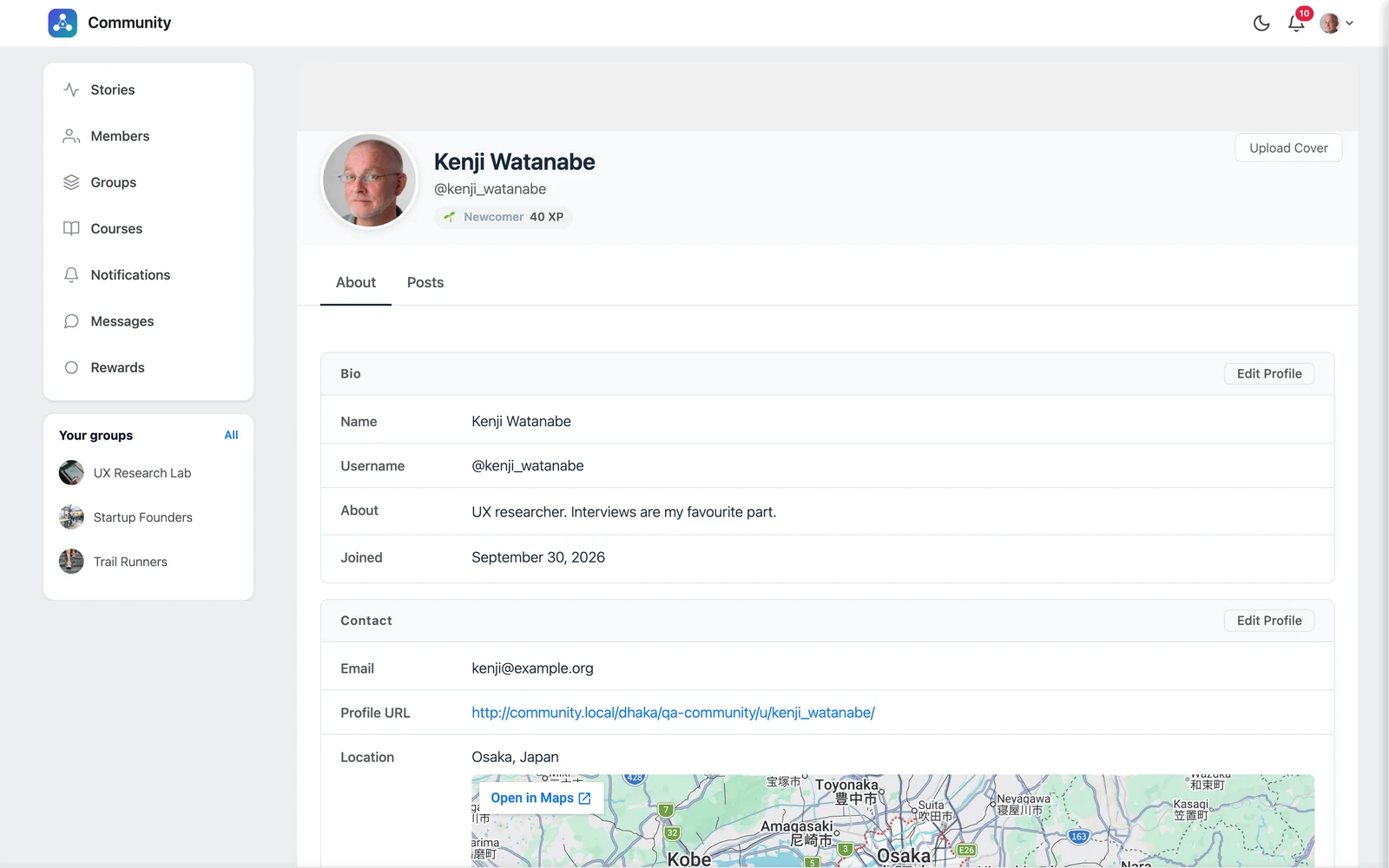
Your profile has two tabs:
- About — your details, contact info and social links
- Posts — everything you have posted
Add a profile photo and cover #
- Click your profile photo to upload a new one.
- Click Upload Cover to add a wide cover image. Best size: 1200 × 375 px. Use Remove Cover to take it off.
Edit your details #
Click Edit Profile on the About tab. You can fill in:
| Field | Notes |
|---|---|
| First Name, Last Name | First name is required. |
| Short Bio | A few words about you. |
| Email, Website URL | Your contact details. |
| Address, Birthday | Optional. |
| Location | For example “Osaka, Japan”. A small map is shown on your profile. |
| Skills / Interests | For example “Photography, Hiking, Design”. |
| Twitter, LinkedIn, Facebook | Your usernames on these sites. |
| Community Account Username | The name in your profile address, like /u/kenji_watanabe. |
Click Save when you are done.
Good to know: Your email address is private. Only you and the site administrators can see it.
Tip: Changing your username also changes your profile address. Old links to your profile will stop working.


