Click Members in the left menu.
Browse and search #
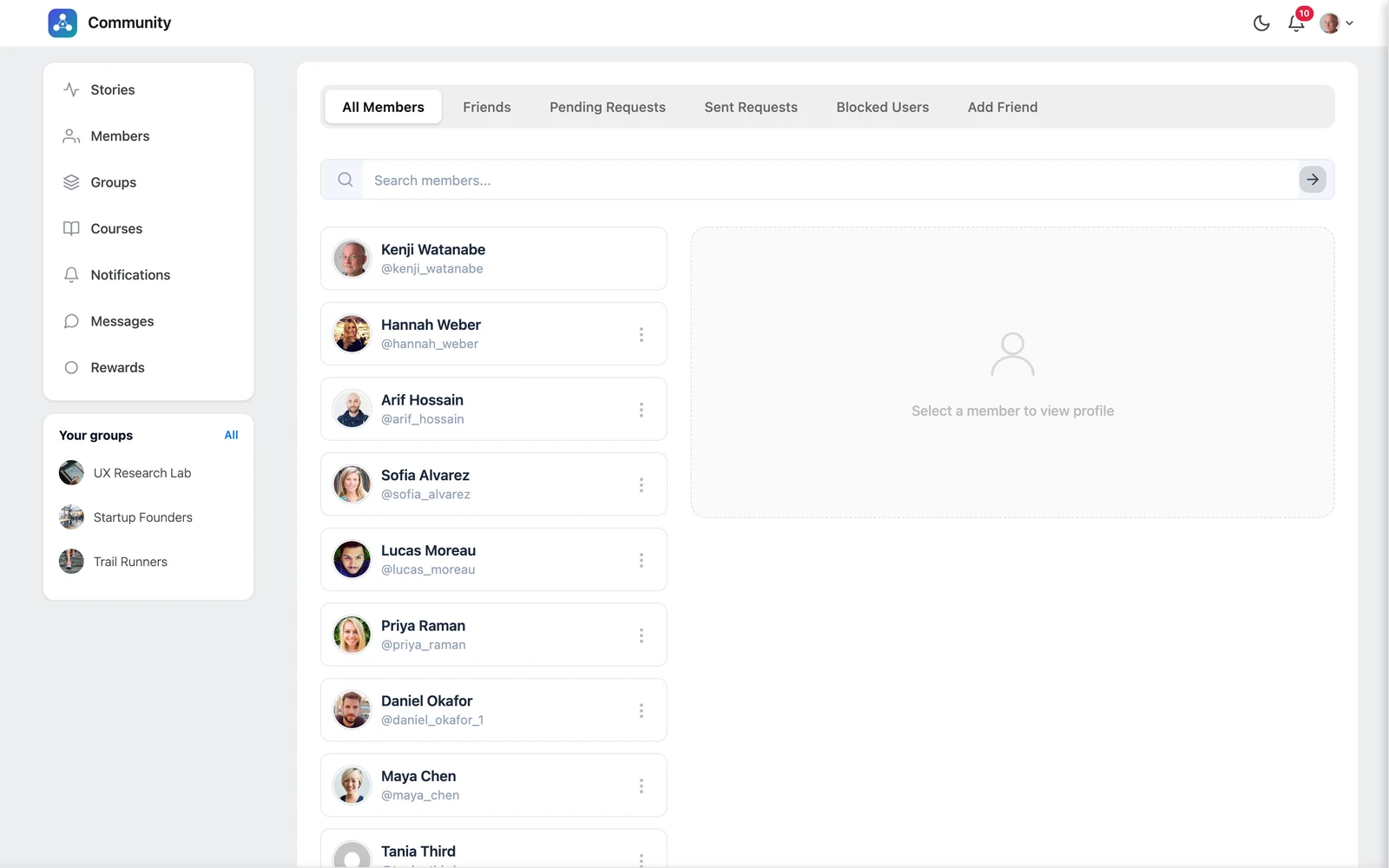
The All Members tab lists everyone. Type a name or username in the search box to find someone. Click a member to see their profile card on the right.
Tabs on the Members page #
| Tab | What you see |
|---|---|
| All Members | Everyone in the community |
| Friends | People you are connected with |
| Pending Requests | Friend requests other people sent you — Accept or Reject |
| Sent Requests | Requests you sent that are still waiting — you can Cancel Request |
| Blocked Users | People you blocked — you can Unblock them |
| Add Friend | Search for someone by name or username and send a request |
Send a friend request #
Click Add Friend on a member card, or use the Add Friend tab. The other person gets a notification. When they accept, you both appear in each other’s Friends list.
Remove a friend #
Open the Friends tab and click Remove next to the person.
Tip: Posts with the Friends visibility are only shown to your friends. See Create a post.


