Good to know: Creating groups is for site administrators. The Create Group button only shows for them.
Create a group #
- Go to Groups.
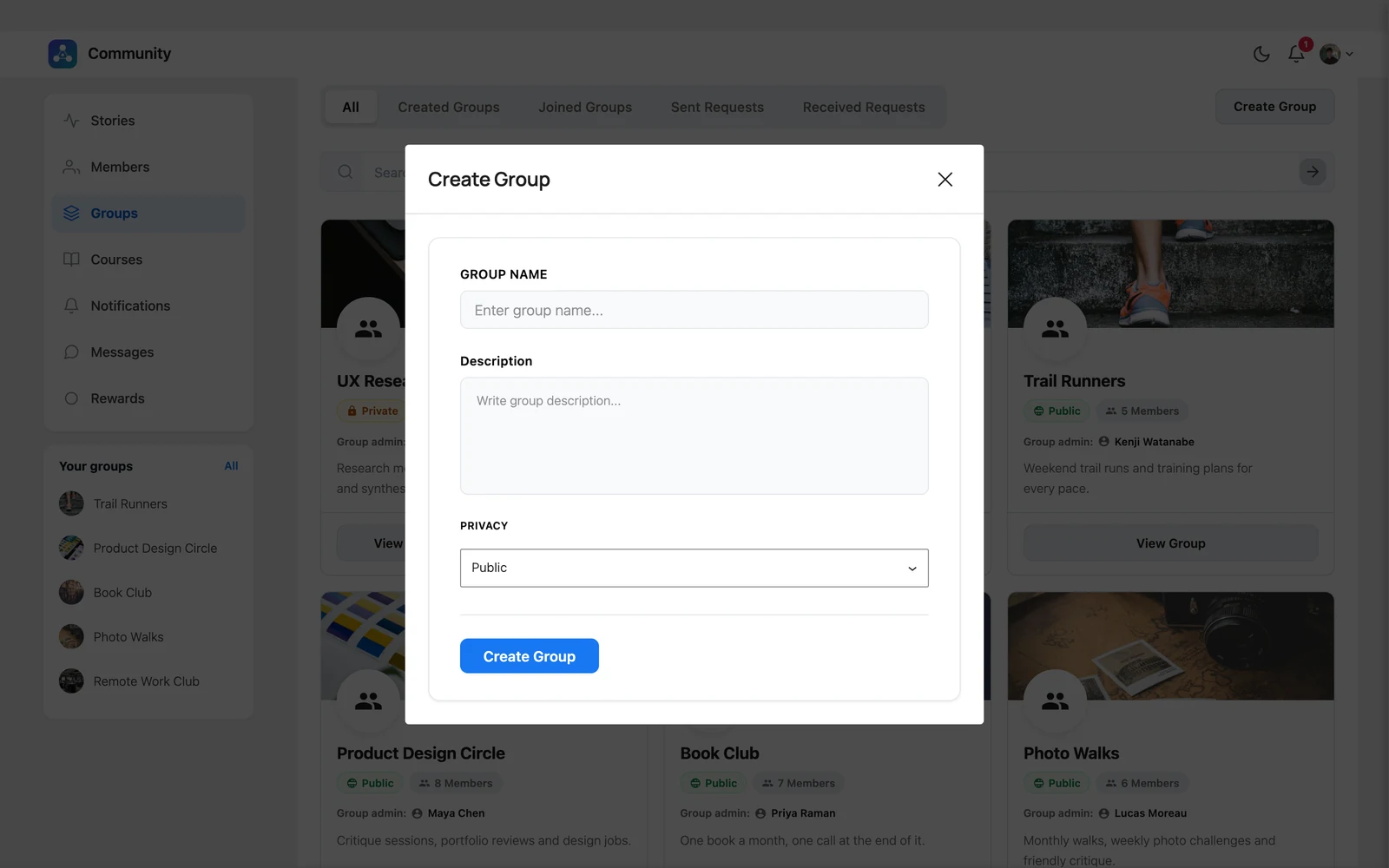
- Click Create Group at the top right.
- Enter a Group Name and a Description.
- Choose the Privacy: Public, Private or Locked. See Groups explained.
- Click Create Group.
You become the group’s admin.
Add a cover photo #
Open the group and click Upload Cover in the top-right corner of the cover area. Use Delete Cover to remove it. Group admins and moderators can change the cover.
Edit or delete a group #
- On the group page, click Edit Group to change the name, description or privacy.
- On the Groups page, click the ⋮ menu on a group card and choose Edit or Delete.
Important: Deleting a group cannot be undone.


