Join a group #
Open a group, or use the Groups to join card on the right side of the feed.
- Public group — click Join.
- Private group — click Request to Join. The button changes to Join Request Pending. You get a notification when an admin accepts you. You can cancel your request any time.
- Locked group — you need an invitation. When someone invites you, the group page says “You have been invited to join this group” — click to accept.
Post in a group #
Open the group’s Discussion tab and use the post box at the top. Your post goes to that group only.
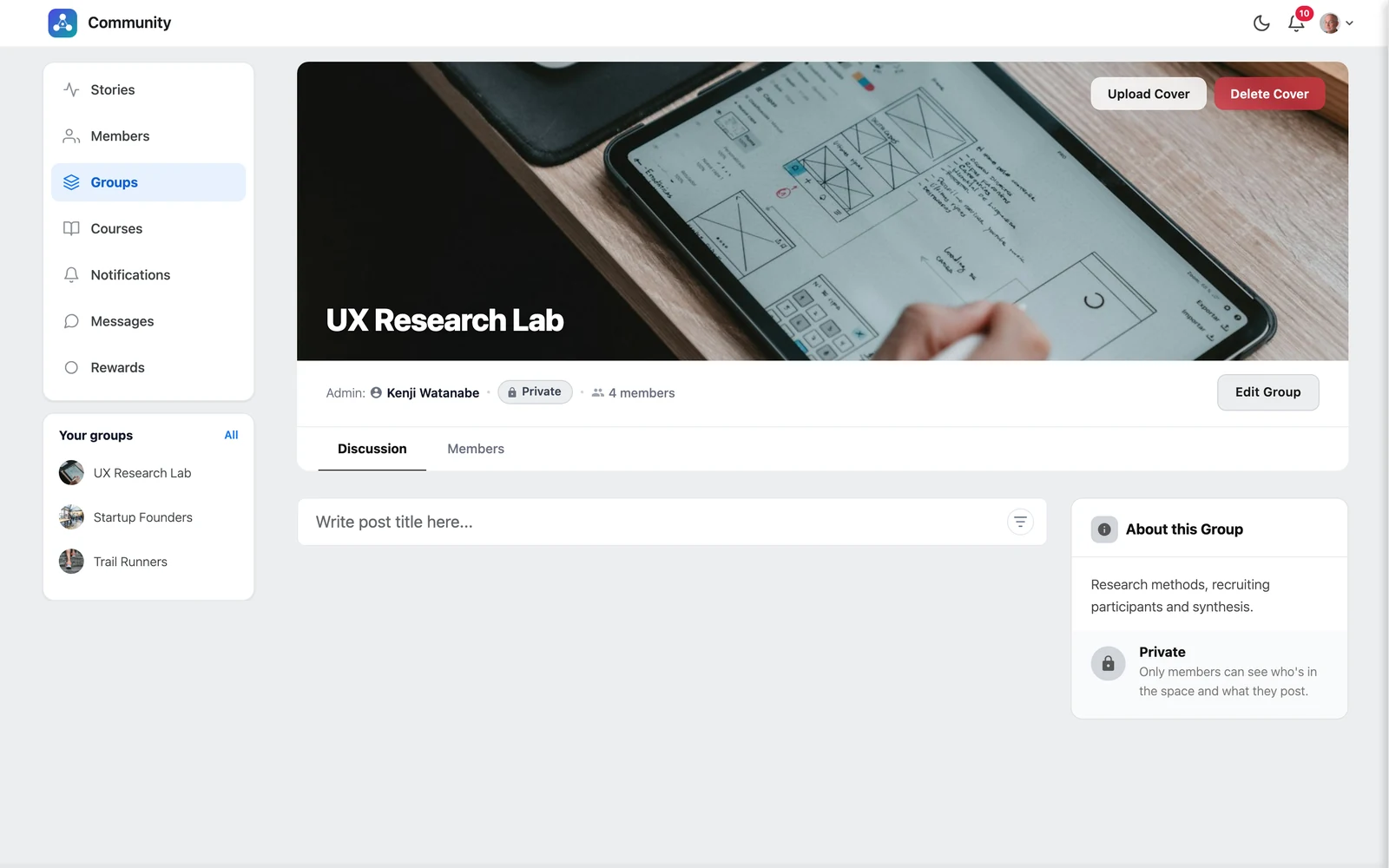
The About this Group card on the right shows the description and privacy of the group.
Leave a group #
Open the group and click Leave Group.


