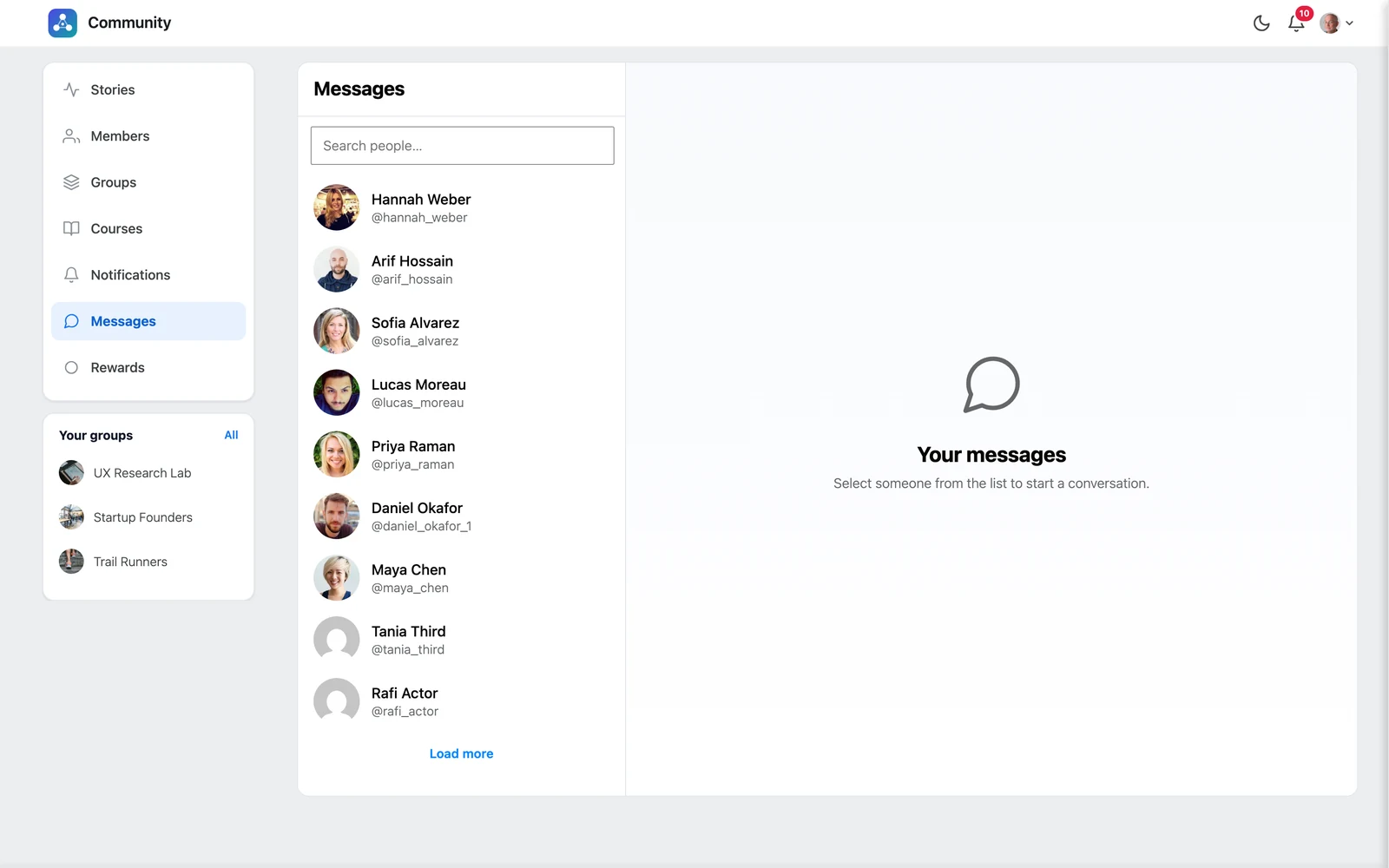
Click Messages in the left menu.
Start a conversation #
The left side lists people you can message. Search for someone with Search people…, then click their name. The chat opens on the right.
Send a message #
- Type in the Type a message… box.
- Add an emoji with the smiley button, or attach images and files with the paperclip.
- Click Send.
New messages arrive by themselves within a few seconds — you do not need to reload the page.
Edit or delete a message #
Hover over your own message and open its ⋮ menu:
- Edit — change the text. The message then shows “edited”.
- Delete — remove it for everyone. This cannot be undone.
Good to know: You cannot message someone who blocked you, or someone you blocked.


