
Pro feature: This page needs TrueCommunity Pro with the Gamification module turned on.
Go to TrueCommunity → Gamification, open the Badges tab and click Participants.
You see every badge and how many members hold it. Click a badge to see who earned it.
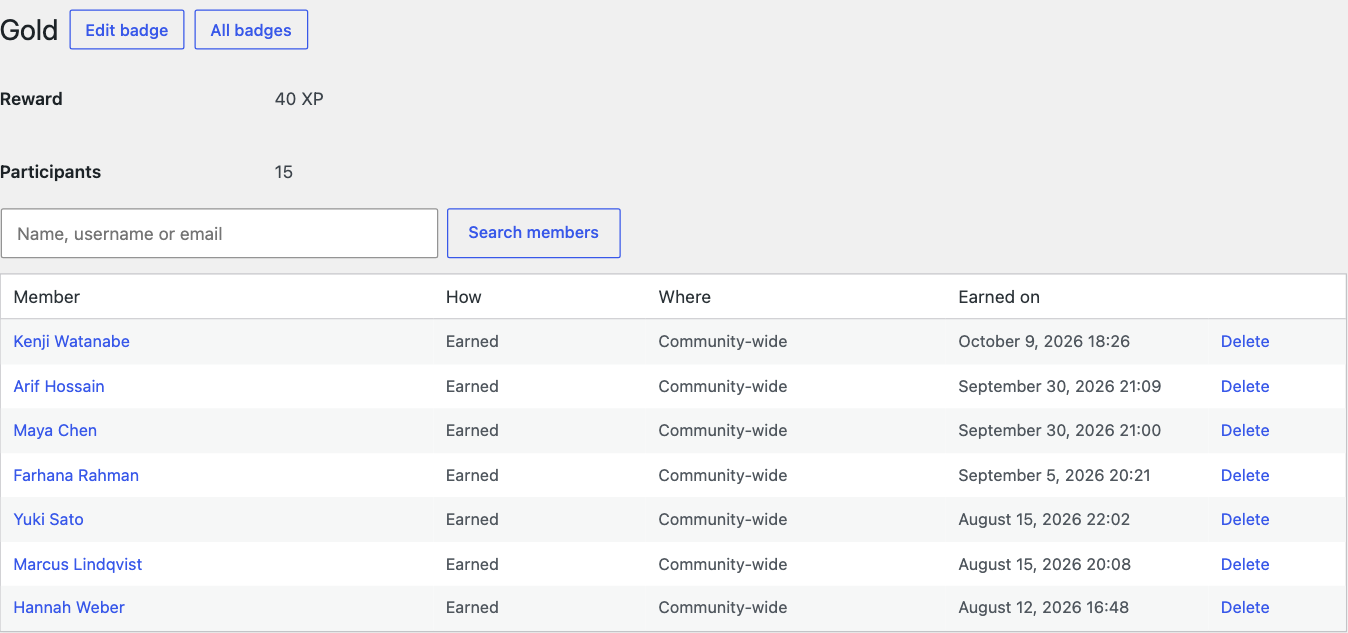
| Column | What it shows |
|---|---|
| Member | Who holds the badge. Use the search box to find someone by name, username or email. |
| How | Earned by meeting the conditions, or Given by hand. |
| Where | Community-wide, or the course it was earned in. |
| Earned on | The date and time. |
Take a badge back #
Click Delete on a member’s row and confirm. The badge is removed, together with the points it paid and any reward it gave, such as a coupon.
Careful: This cannot be undone.


